


LAUSD Ride App
The LAUSD Ride App
Frequently Asked Questions (FAQs)
1.) What is the LAUSD Ride App?
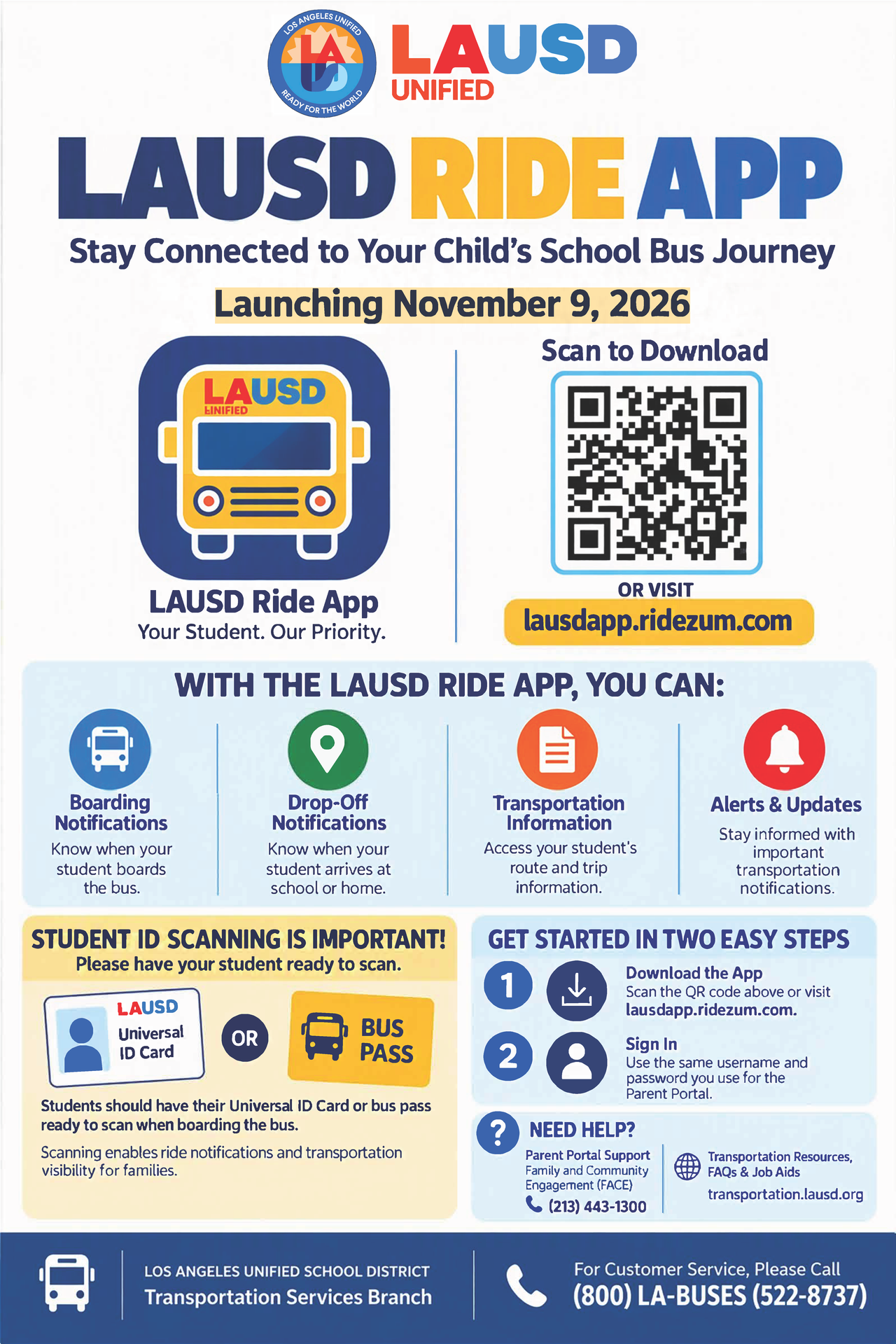
This app allows parents and guardians to monitor their student’s school bus ride from their mobile devices. The app gives parents greater visibility into their student’s bus ride, including boarding, exiting, progress, and notifications. Please encourage your child to have their Universal ID or bus pass ready to scan as they board onto the bus.
2.) How do I download the LAUSD Ride App?
The app can be downloaded and installed by visiting https://lausdapp.ridezum.com or by scanning the QR code below.

3.) How do I sign-in to the app?
Once installed, sign-in using the same username and password used for the Parent Portal. If you need support creating a Parent Portal account, please contact the Family and Community Engagement (FACE) office at 213-443-1300.
4.) What happens if a student does not have their ID or bus pass? Can they still ride the bus?
Students will be expected to use their LAUSD ID badges to ride the bus. However, if they forget their ID, the bus driver can manually check a student in and out by using the tablet on the bus. To scan onto the bus, the QR code can also be obtained from the Parent Portal.
5.) Will the app show where my child is?
The app is designed to show the location of the school bus, not the individual location of your child.
6.) How accurate is the estimated arrival time?
Arrival times are estimates and can change based on traffic, weather, road conditions, student loading times, or unexpected delays. Parents should allow some flexibility around the estimated time.
7.) Will I receive notifications if the bus is late?
You may turn on notifications to receive alerts about delays, route changes, cancellations, or the bus approaching a designated stop. To turn on notifications, go to the Menu, click Account, click “Notification Preferences,” and toggle “Push notifications.”
8.) What if the bus doesn't arrive at the estimated time?
Please allow additional time as arrival estimates can change. If the bus is significantly delayed or does not arrive, check the app for status or to request support.
9.) Why is school bus route tracking information not available for my student?
At this time, not all school buses are equipped with the new technology. If your child's bus is not currently supported, the LAUSD Ride app will not display bus. However, you will continue to have access to your student's transportation information through the Parent Portal.
10.) Can more than one parent or guardian use the app?
Yes, as long as each parent has the student linked to their Parent Portal account. Please contact the Family and Community Engagement (FACE) office at 213-443-1300 if you need support creating a Parent Portal account.
11.) If my child is sick, can I cancel the school bus ride for that day?
Yes, the app allows for multi-day ride cancellations.
12.) Who do I contact if I have a problem with the app?
For technical support, please contact [email protected].